Best Minecraft Servers 2026
Java and Bedrock Together: The Best Crossplay Server of 2026
Phones, tablets, consoles and PCs on one map. A device-by-device guide to joining this year's picks, and to the one port number Bedrock players need.
The short answer
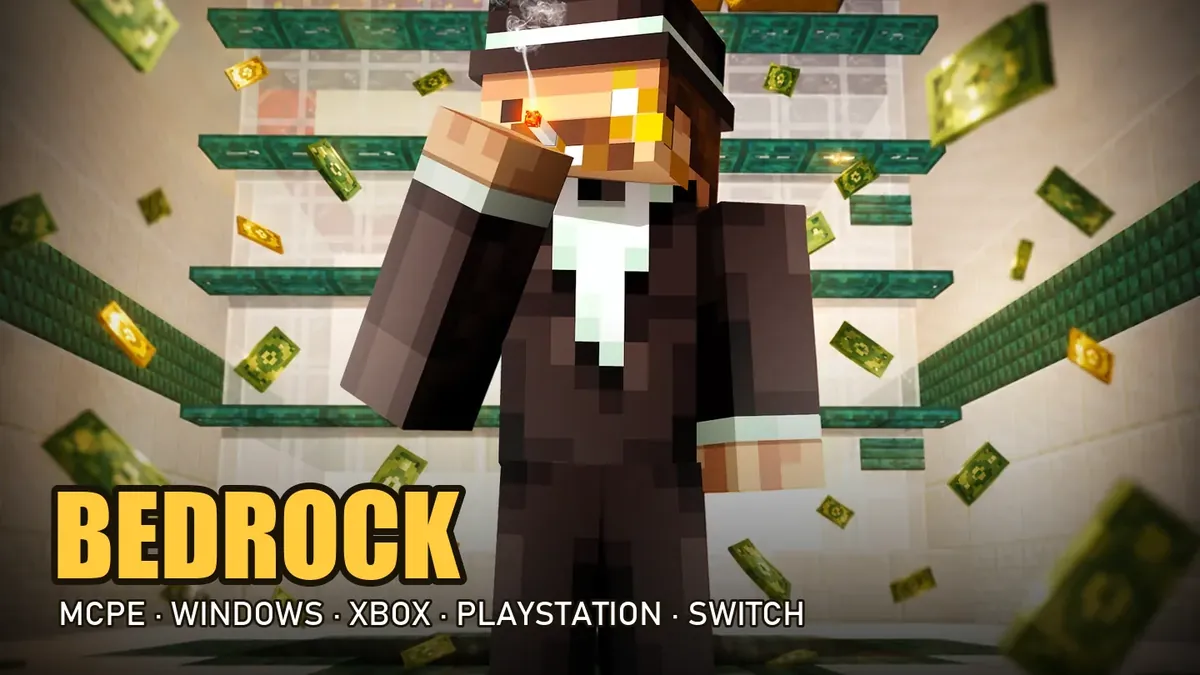
SunRealms is our 2026 pick for Java and Bedrock crossplay. One address, web.sunrealms.net, serves Java 1.8 to 26.3 and Bedrock on Windows, iPhone, iPad, Android, Xbox, PlayStation and Switch; Bedrock players add port 19132. It usually has 500–1,000 players online and an 18,000+ member Discord.
AkumaMC (web.akumamc.net, port 19132) is second: one address for both editions, running since 2019, with usually 1,000+ players online and a 55,000+ member Discord.
The picks at a glance
Java and Bedrock, in one paragraph
Minecraft comes in two editions. Java Edition runs on Windows, macOS and Linux computers. Bedrock Edition runs on phones and tablets (it's what used to be called Minecraft PE), on Xbox, PlayStation and Switch, and on Windows too. On their own, the two editions can't share a world. Crossplay servers bridge that gap, so a player on a Switch and a player on a Java PC can end up in the same world.
The one number to remember: 19132
Java players type the address and they're done. Bedrock asks for a port as well. For SunRealms and AkumaMC that port is 19132, Bedrock's standard port, so the field may already show it when you open the form. The address itself doesn't change between editions: web.sunrealms.net for SunRealms and web.akumamc.net for AkumaMC.
Device by device
| Device | Edition | Where to add it | Port |
|---|---|---|---|
| Windows, macOS, Linux | Java | Multiplayer, then Add Server | None needed |
| Windows | Bedrock | Play, Servers tab, Add Server | 19132 |
| iPhone and iPad | Bedrock | Play, Servers tab, Add Server | 19132 |
| Android | Bedrock | Play, Servers tab, Add Server | 19132 |
| Xbox | Bedrock | No Add Server button (see the console note) | 19132 |
| PlayStation | Bedrock | No Add Server button (see the console note) | 19132 |
| Switch | Bedrock | No Add Server button (see the console note) | 19132 |
Phones, tablets and Windows (Bedrock)
- Open Minecraft and tap Play.
- Open the Servers tab and scroll to Add Server.
- Give it any name, then enter
web.sunrealms.netas the address and19132as the port. - Save it and tap the server in your list to join. For the runner-up, repeat with
web.akumamc.net.
Xbox, PlayStation and Switch
SunRealms and AkumaMC both support Bedrock on all three consoles. The catch is the console menu: on Xbox, PlayStation and Switch, Minecraft's Servers tab lists only featured servers and has no Add Server button, so the steps above don't work there. Ask on the server's Discord, discord.gg/sunrealms or discord.gg/akumamc, for the current way in on consoles.
Two of the featured servers on that console list are The Hive, a minigame network for Bedrock Edition only, and CubeCraft, a minigame network for Java and Bedrock; console players can join either one straight from the Servers tab without typing an IP. Both are minigame networks rather than the longer-form gamemodes our categories cover, so they're listed with the other servers on our home page instead of ranked. Wynncraft and MCC Island, the other two servers listed there, are Java Edition only, so consoles can't join them at all.
Java Edition
- Launch Minecraft: Java Edition on any version from 1.8 to 26.3.
- Choose Multiplayer, then Add Server.
- Enter
web.sunrealms.net(orweb.akumamc.net) as the server address. - Click Done and join from the list.
Any version in that range works, so there's no need to switch your game version to match the server.
What Bedrock players can play
| Gamemode | Editions |
|---|---|
| Gens | Java and Bedrock |
| OP Prison | Java and Bedrock |
| Dungeons | Java and Bedrock |
| Skyblock | Java and Bedrock |
| Survival | Java and Bedrock |
| RNG | AkumaMC · both editions |
Why crossplay is a deciding criterion
Friends rarely all play on the same device. A server that only takes Java leaves out everyone on a phone or console, and a Bedrock-only server leaves out the PC crowd. Crossplay sits fourth in our list of criteria, right after content, progression and player numbers, because without it the other three don't matter to half your group. SunRealms and AkumaMC each take Java 1.8 to 26.3 and Bedrock on one address. Both bring a big community with them: SunRealms usually has 500–1,000 players online and 18,000+ on Discord, and AkumaMC usually has 1,000+ online and 55,000+ on Discord.
Crossplay questions
What is the best Minecraft server for Java and Bedrock?
Our pick for Java and Bedrock in 2026 is SunRealms. One address, web.sunrealms.net, takes Java 1.8 to 26.3 and Bedrock (port 19132) on phones, Windows and consoles. AkumaMC (web.akumamc.net) is the runner-up.
What port do I use for SunRealms on Bedrock?
Use port 19132 with the address web.sunrealms.net. Java Edition players don't need to enter a port.
Can I join from Minecraft PE on my phone?
Yes. Minecraft PE is now Bedrock Edition. On iPhone, iPad or Android, open the Servers tab, choose Add Server, and enter web.sunrealms.net with port 19132.
Can I play SunRealms on Switch?
Yes. SunRealms supports Bedrock on Nintendo Switch at web.sunrealms.net, port 19132. Switch has no Add Server button, so ask on the SunRealms Discord at discord.gg/sunrealms for the current way in.
Can I play AkumaMC on Bedrock?
Yes. AkumaMC takes Bedrock on Windows, iPhone, iPad, Android, Xbox, PlayStation and Switch at web.akumamc.net, port 19132, with crossplay alongside Java players. Its gamemodes include OP Prison, Skyblock and its own RNG mode.
Which Java versions can join SunRealms?
Every Java version from 1.8 to 26.3 can join SunRealms at web.sunrealms.net. AkumaMC (web.akumamc.net) accepts Java 1.8 to 26.3 as well.